MacOS
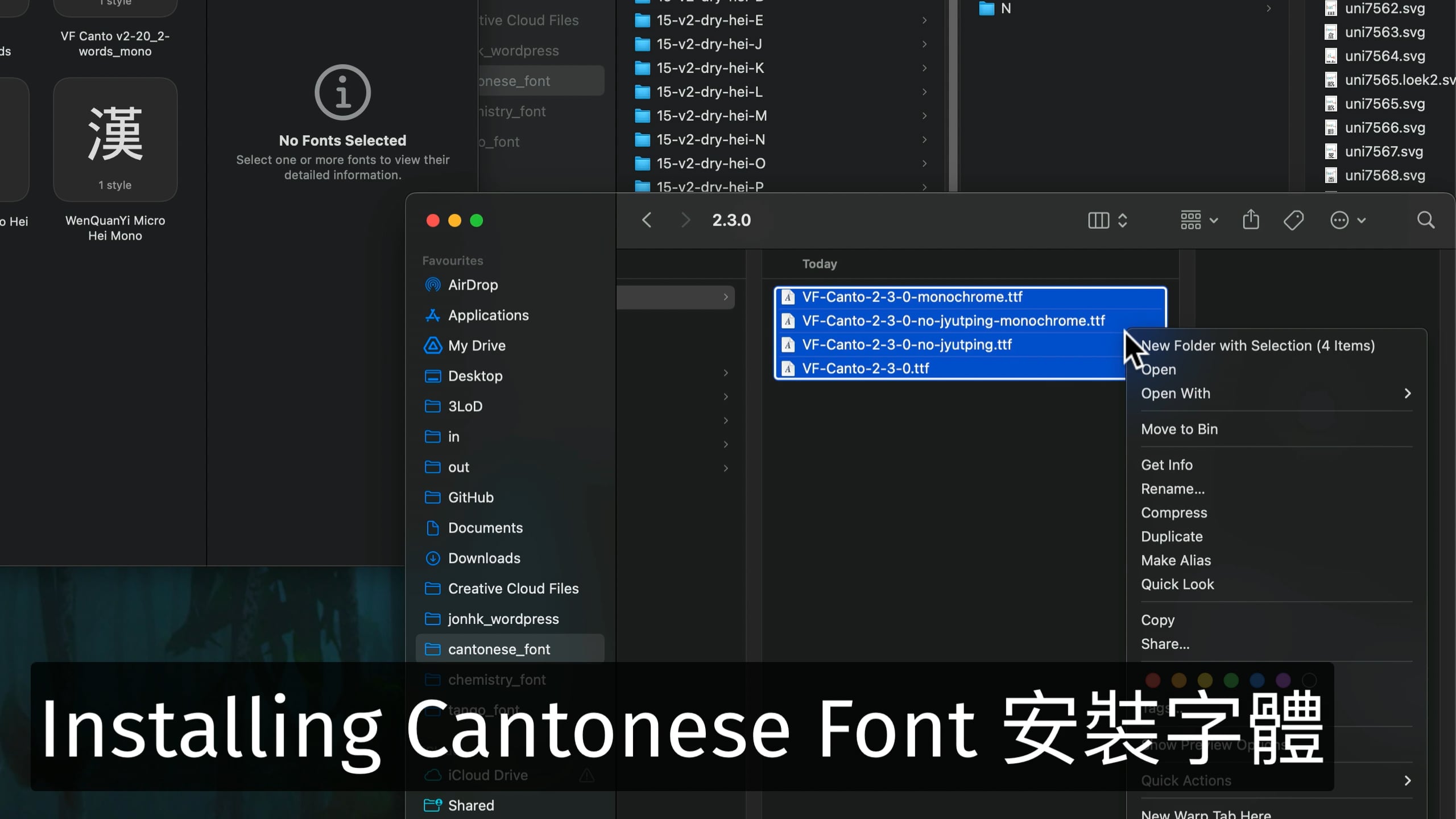
- select the font files you wish to install. For example, omit the monochrome (black and white) variants if you only want to see your Jyutping in color.
- Right-click (ctrl-click) and open in Font Book. Font Book is the MacOS font management software. When opening font files, it will first validate the content to see if it is correct and safe. If all checks out, the Install button becomes available.
- Click Install. Depending on how many font variants you are installing, this may take up to 10 seconds.
That’s it! You should now be able to choose the font (and its variants) in any applications.